

Revoke Access from Inside Pleo
Go to My Account → Security and Devices → MCP Connections and revoke the connection.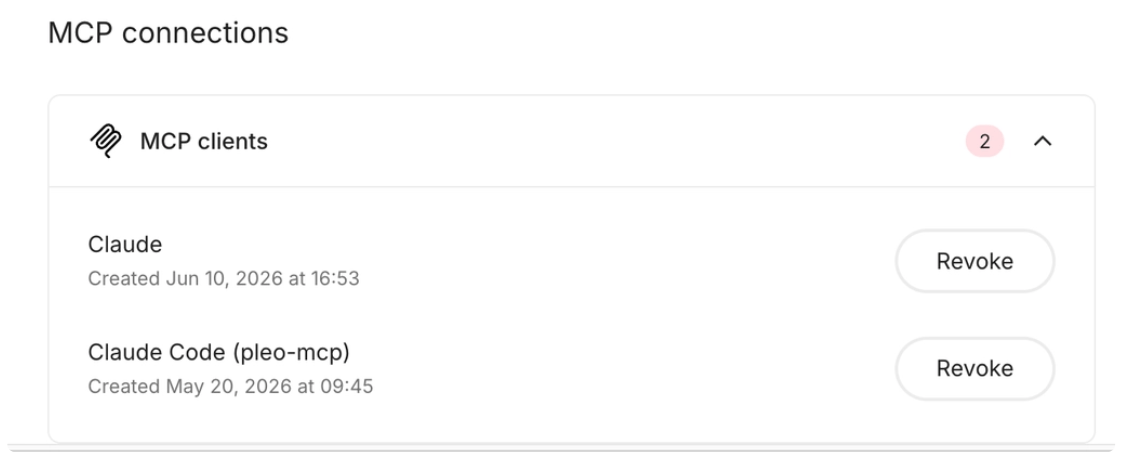
Disconnect from Your AI Client
You can also remove the connection from inside your AI client. The exact steps vary by tool. In Claude, for example: Go to Connectors, find the Pleo Connector, and click Disconnect.