Prerequisites
Before you begin:- You have access to the Pleo Web App
- You are logged in as an Admin or Bookkeeper
Steps
1. Open Accounting Settings
Go to Settings and select Accounting.2. Disconnect any existing integration
If you have an existing accounting integration connected, disconnect it before proceeding. You will see an option to disconnect on the current integration’s settings.3. Search for Custom API Integration
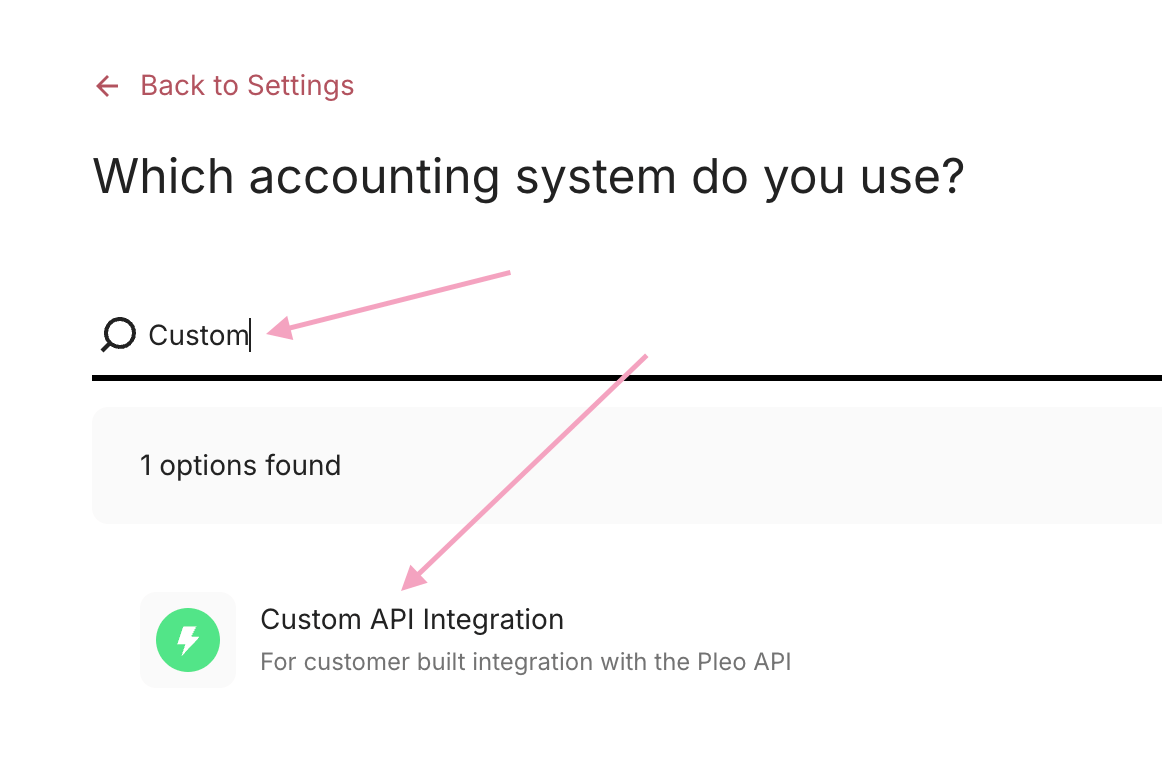
In the search box, search for Custom API Integration and select it from the results.