

Prerequisites
Before you begin:- You have completed How to Sync Accounts and determined what action is needed for each account
- Your integration is authenticated using one of the supported authentication methods
- Your integration can call Pleo’s Chart of Accounts API endpoints
Scenario
This how-to continues from the How to Sync Accounts scenario. After matching, the following actions are required:
The diagram below shows where these operations fit in the full reconciliation loop.
Steps
1. Create Accounts for New AS Entries
API Endpoint: POST/v1/chart-of-accounts
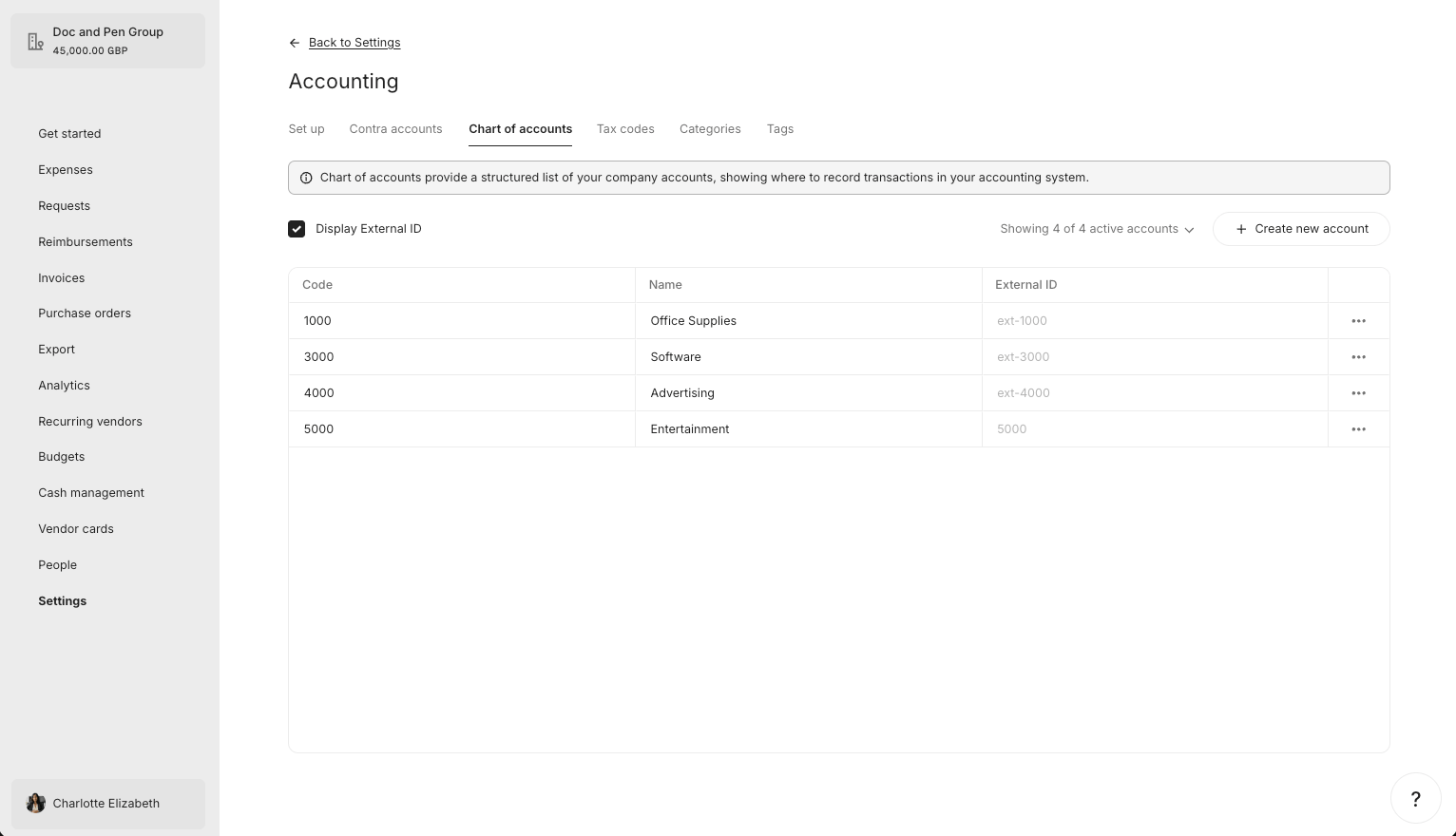
If an AS account has no matching Pleo Account, create a new Account.
Example Pseudo:
Example Request
- OAuth 2.0
- API Key
Example Response
What it looks like in Pleo Web App
2. Unarchive or Update Existing Accounts
API Endpoint: PUT/v1/chart-of-accounts/{accountId}
If a matching Account is found:
- AS account is active, Pleo Account is archived: Unarchive by setting
archived: falseand update name and code if they differ. - AS account is active, Pleo Account name or code differs: Update the Account to match the AS.
- AS account is active, Pleo Account name and code match: No action required.
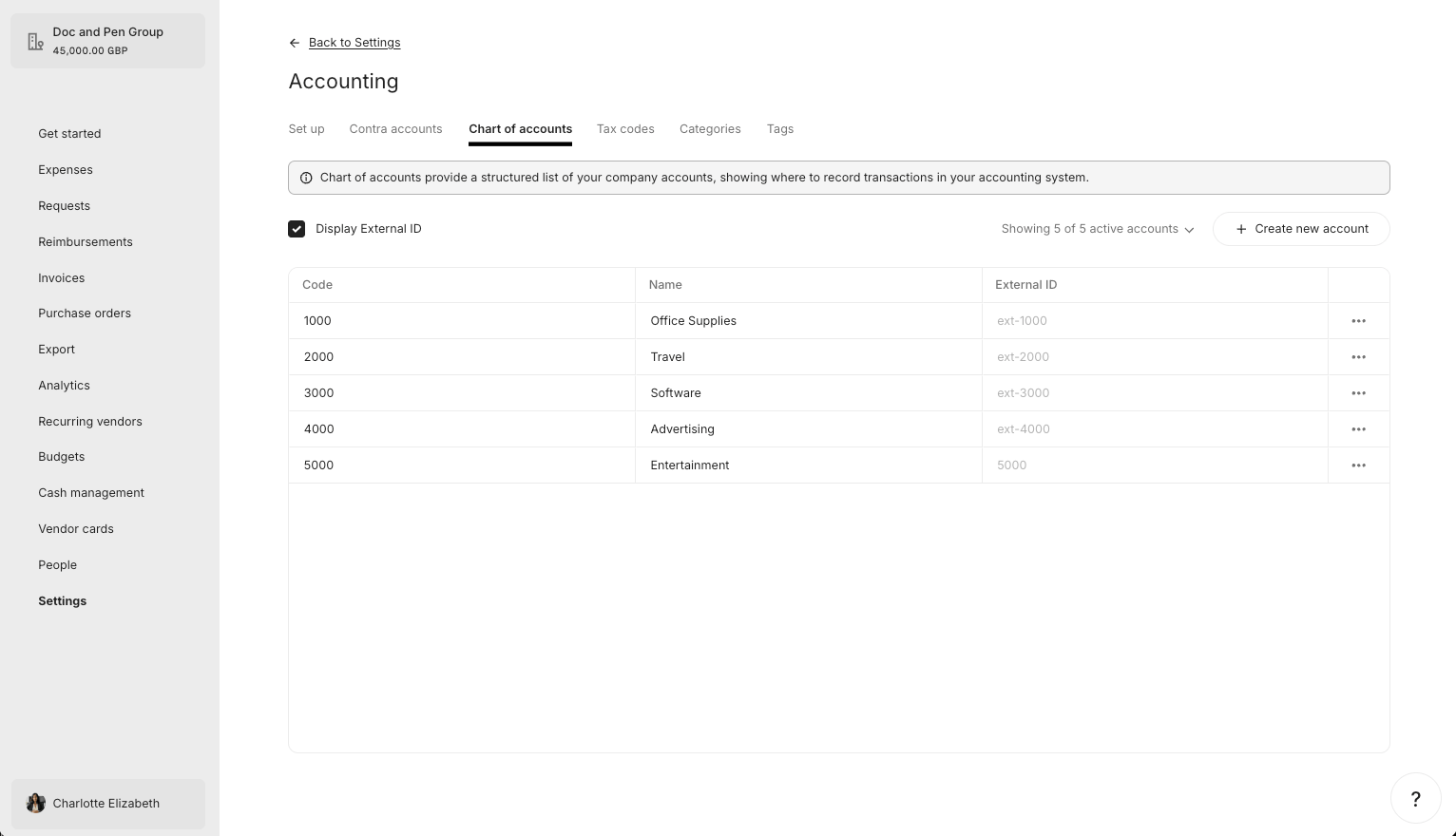
Unarchive
Example Request
The “2000 - Travel” Account is unarchived in this example.- OAuth 2.0
- API Key
Example Response
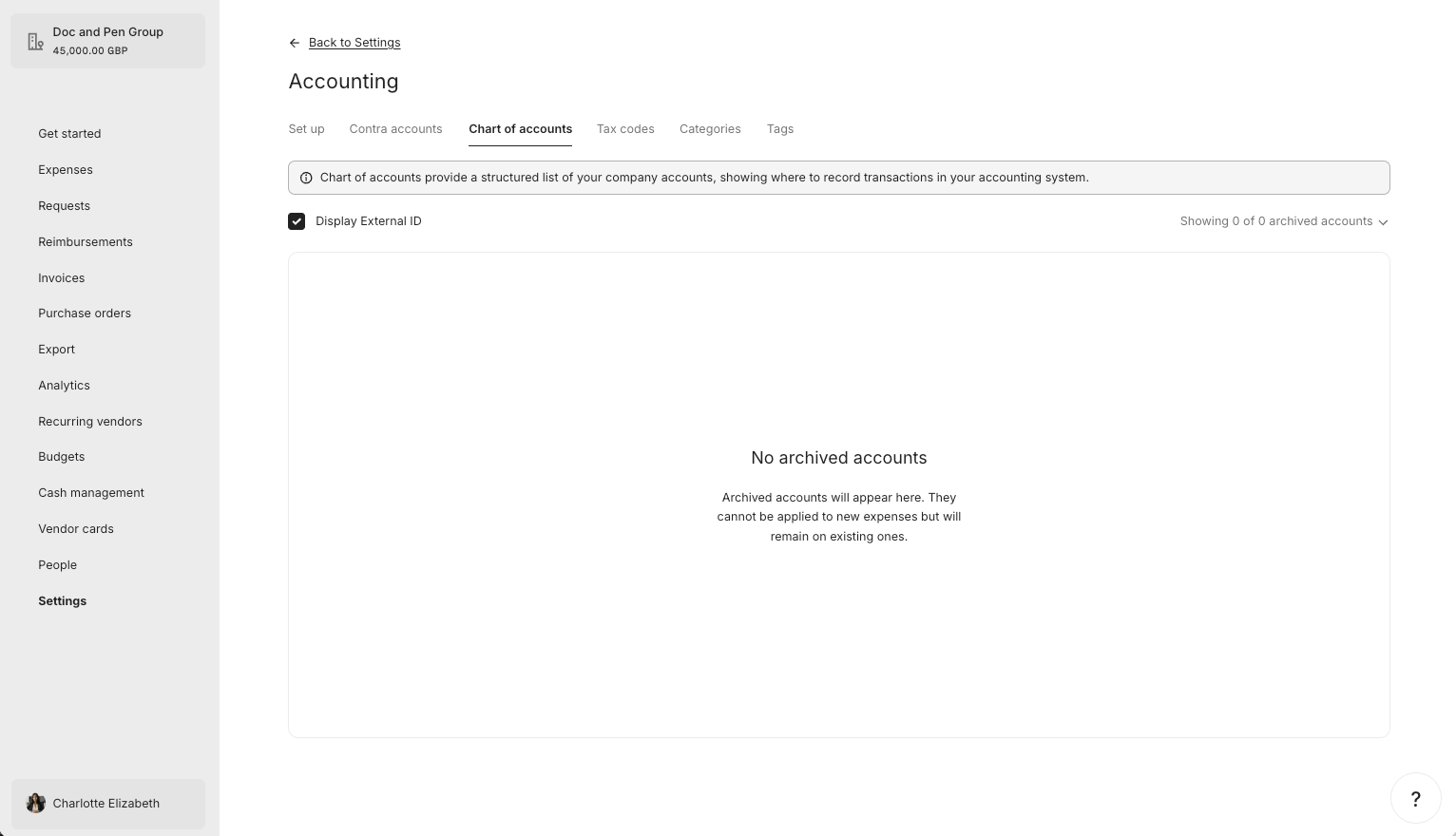
What it looks like in Pleo Web App
Update
Example Request
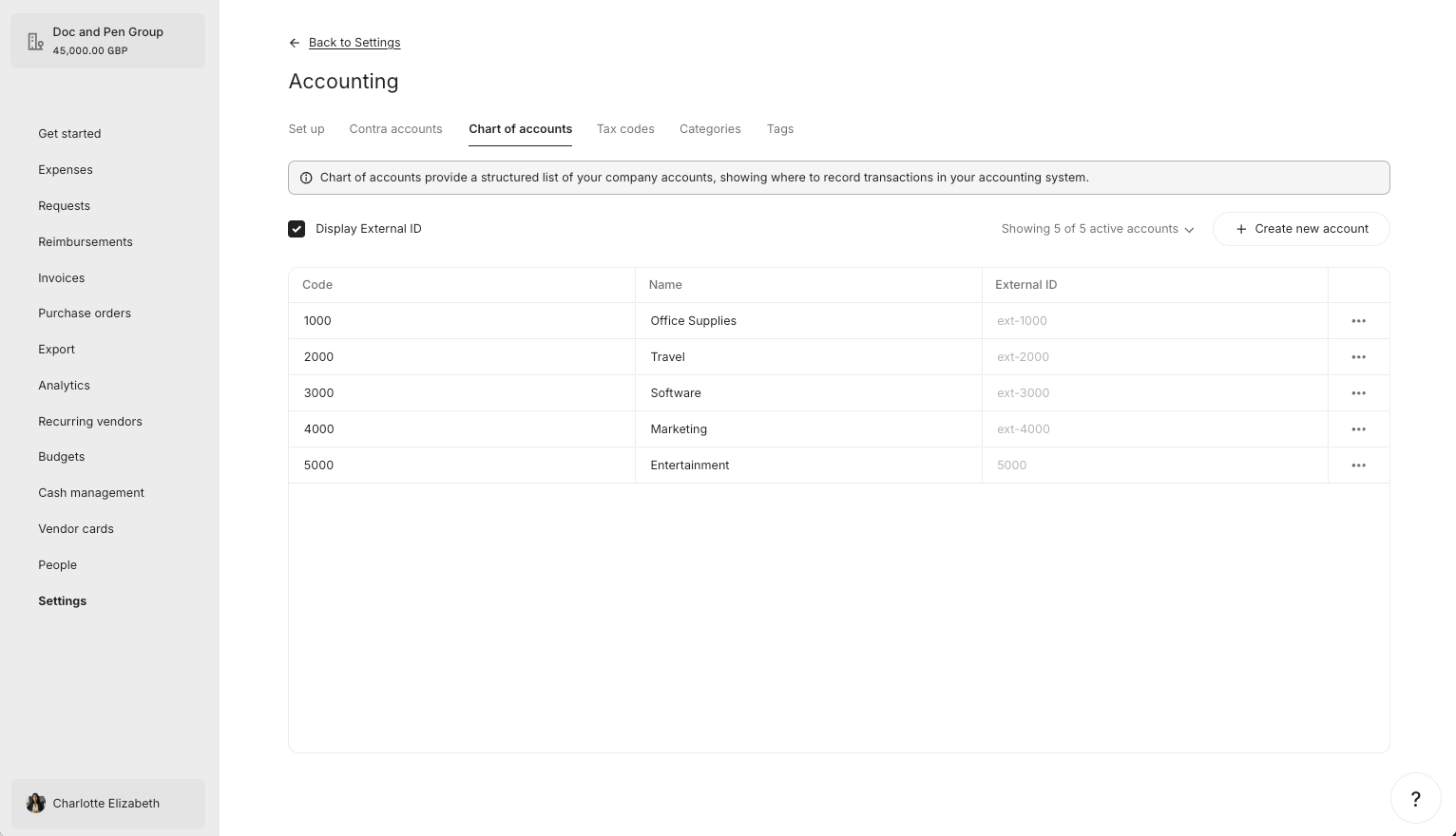
The “4000 - Advertising” Account is renamed to “4000 - Marketing” to match the AS in this example.- OAuth 2.0
- API Key
Example Response
What it looks like in Pleo Web App
Before update:After Update:
3. Archive Accounts with No Matching AS Entry
API Endpoint: PUT/v1/chart-of-accounts/{accountId}
If a Pleo Account is active but its corresponding AS account is no longer active (or does not exist), archive the Account.
Do not delete Accounts. Archiving is non-destructive and reversible.
Example Pseudo:
Example Request
- OAuth 2.0
- API Key
Example Response
What it looks like in Pleo Web App
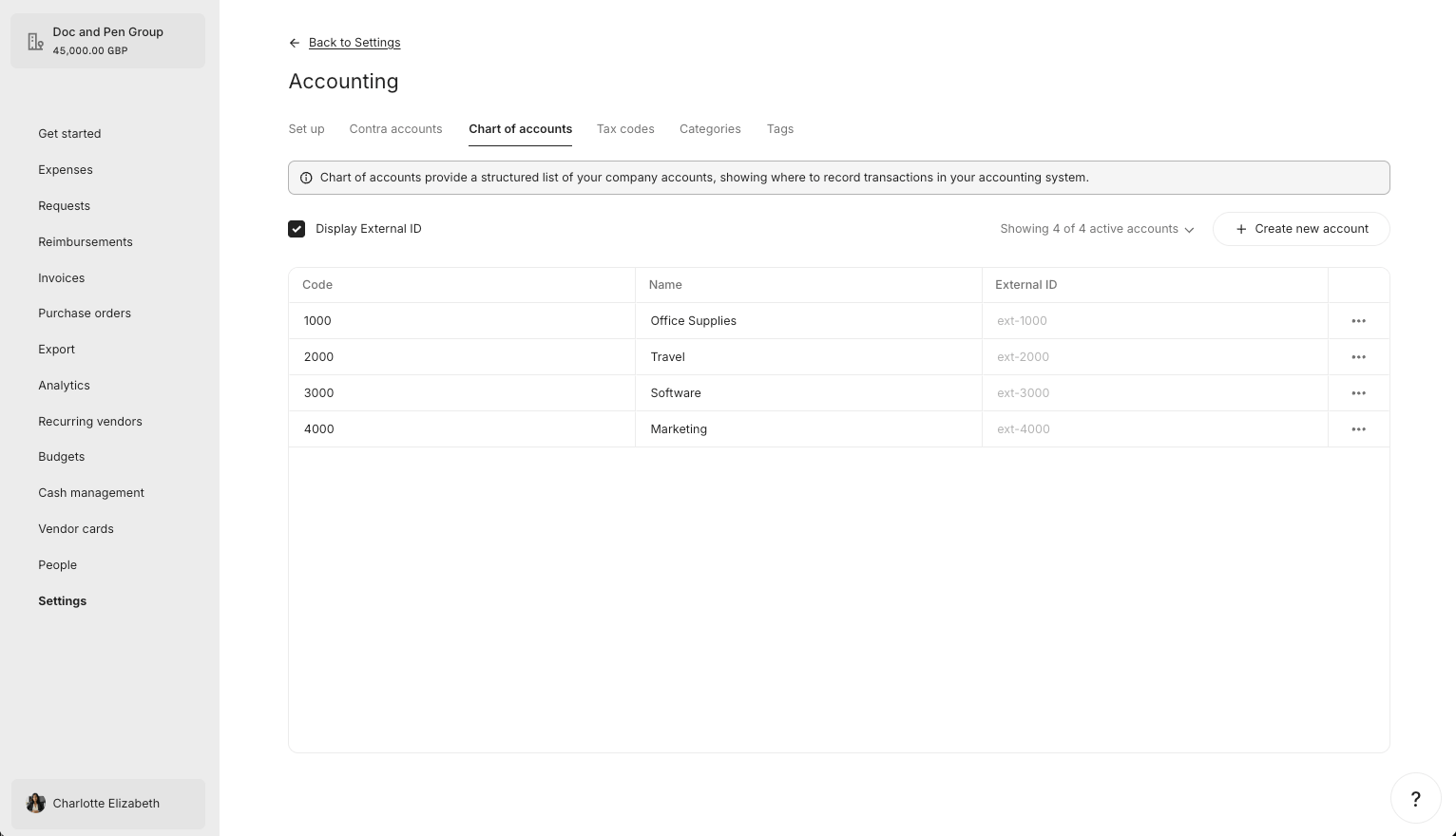
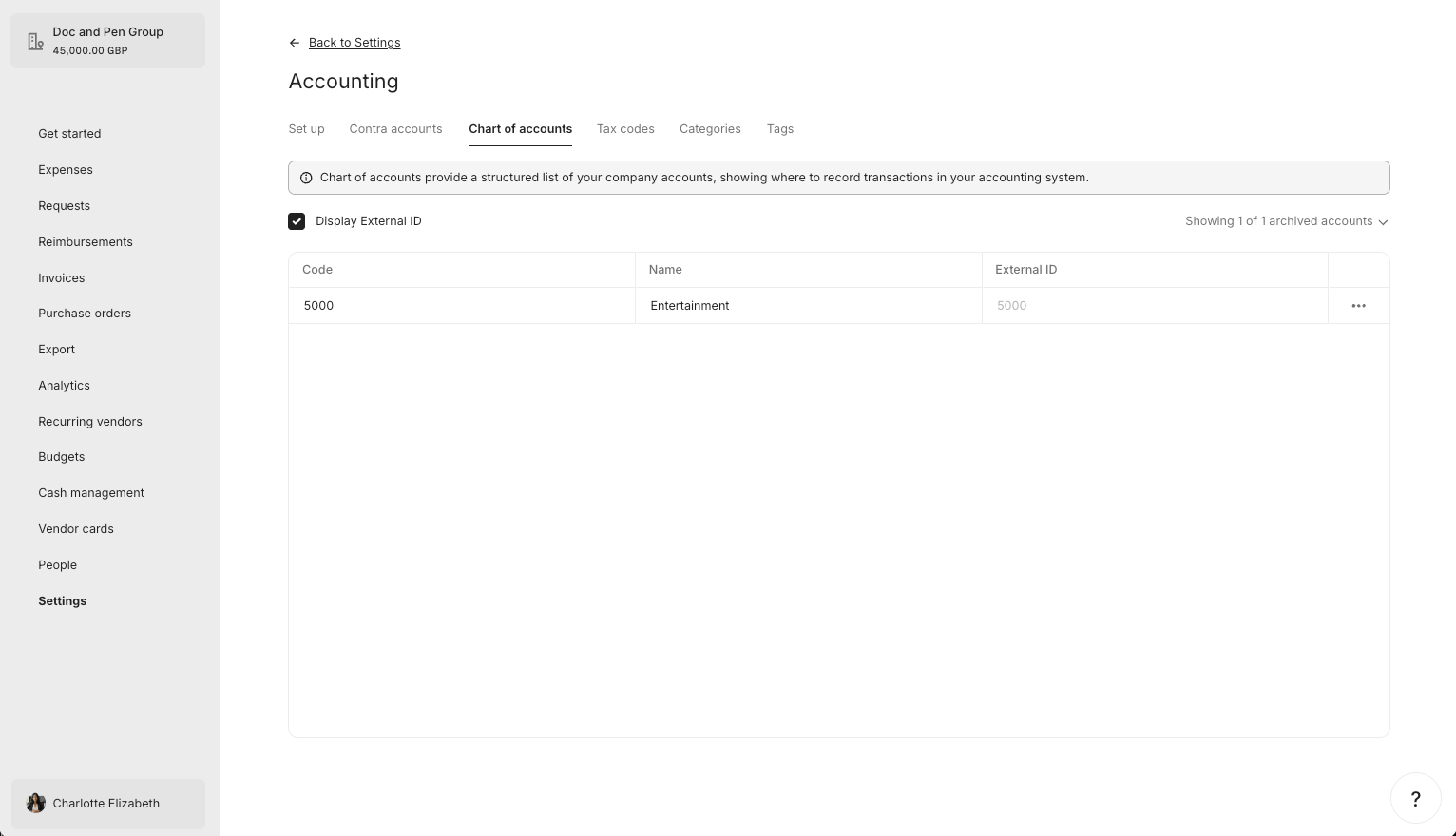
Result
The table below recaps what happened to each Account across all steps.
Pleo now reflects the current Chart of Accounts from the AS.
| Account | Final State in Pleo | In AS? | Aligned? |
|---|---|---|---|
| 1000 - Office Supplies | Active | Yes |  |
| 2000 - Travel | Active | Yes | |
| 3000 - Software | Active | Yes | |
| 4000 - Marketing | Active | Yes | |
| 5000 - Entertainment | Archived | No | |
What Comes Next?
this how-to is part of:
Related Reading
- How to Sync Accounts
- Sync Accounts Integration Design
- Data Mapping
- Platform Capabilities: Chart of Accounts Sync