

DRAFT Vendor that How to Detect Draft Vendors picks up next.
Scenario
This how-to uses a consistent example, carried through the rest of Vendor Creation: a bookkeeper adds “Greenfield Logistics” as a new Vendor while tagging an expense, before it exists yet in the Accounting System.Steps
1. Verify that the Vendor doesn’t already exist
- Select Accounting from the main left-hand navigation.
- Select Export from the sub-menu.
- Click on a row to open the details panel for that expense.
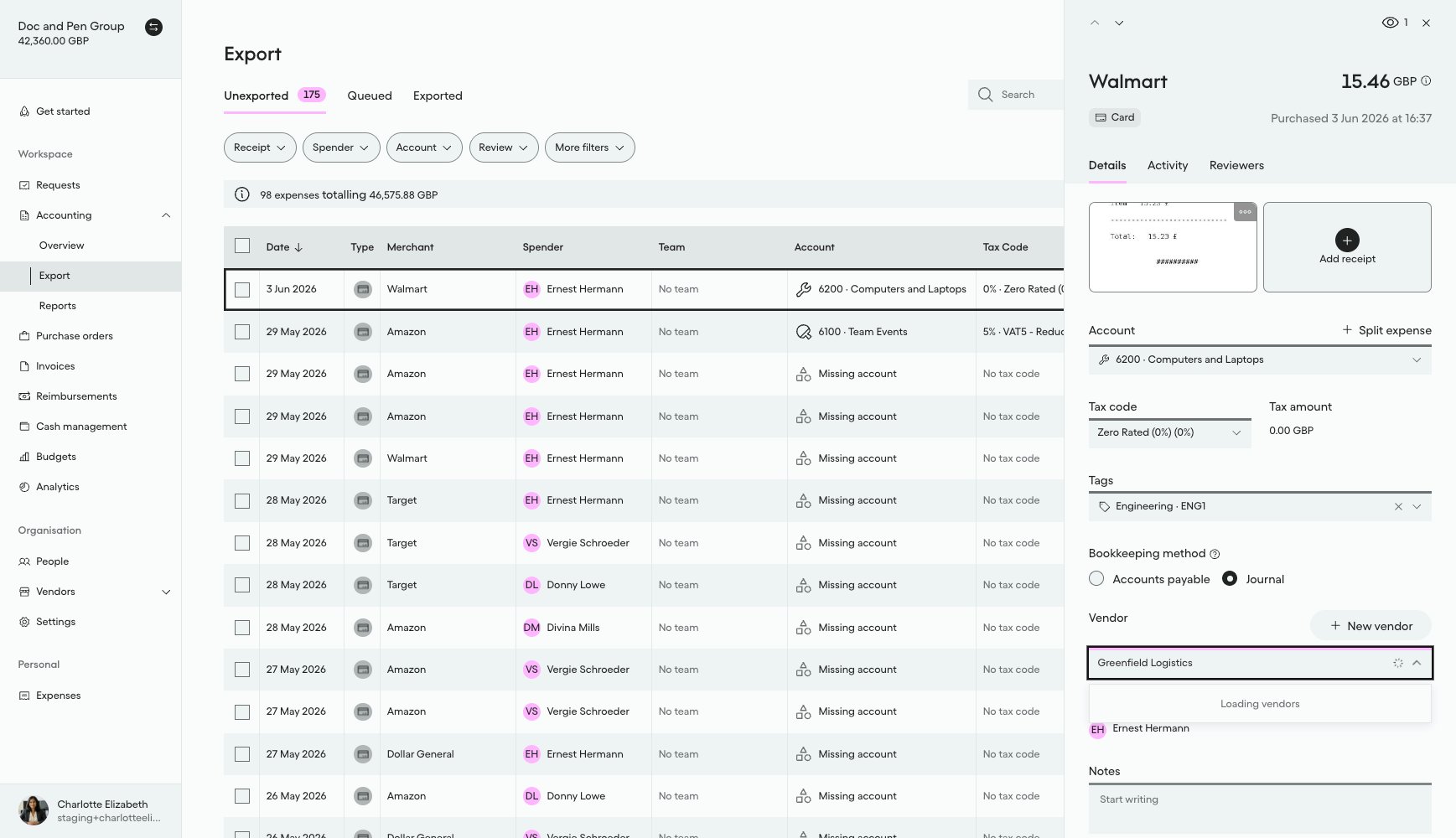
- Select the Vendor drop-down menu and type “Greenfield Logistics” to search.
- The Vendor field returns no search results, confirming the Vendor doesn’t already exist.
2. Create the new Vendor
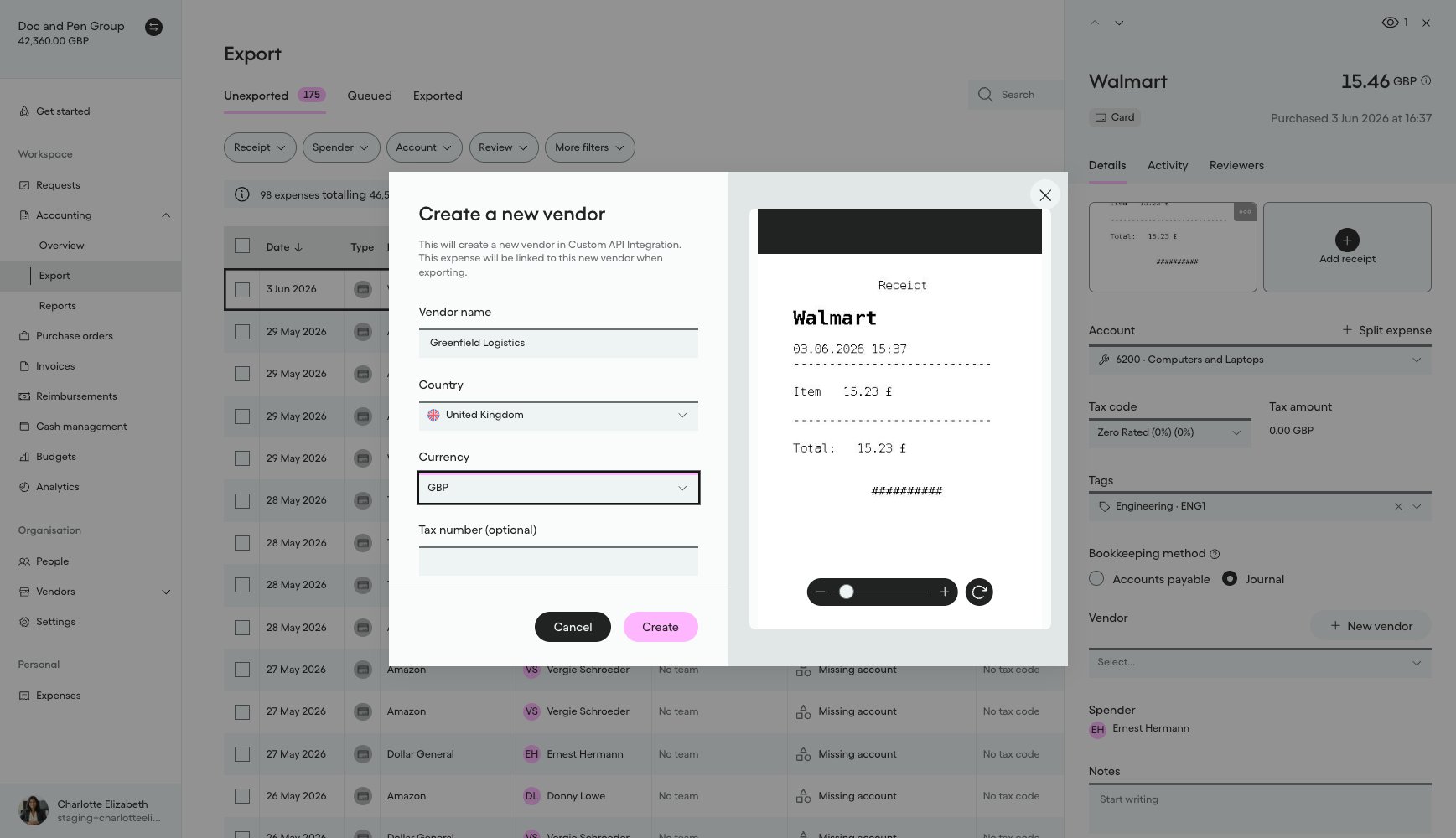
- Click the + Create a new vendor option inside the drop-down field, or click the + New vendor button above the Vendor field.
- The Create a new vendor modal opens.
- Fill in the Vendor’s details, such as name, country, currency, and optionally a tax number and registration number.
- Click Create.
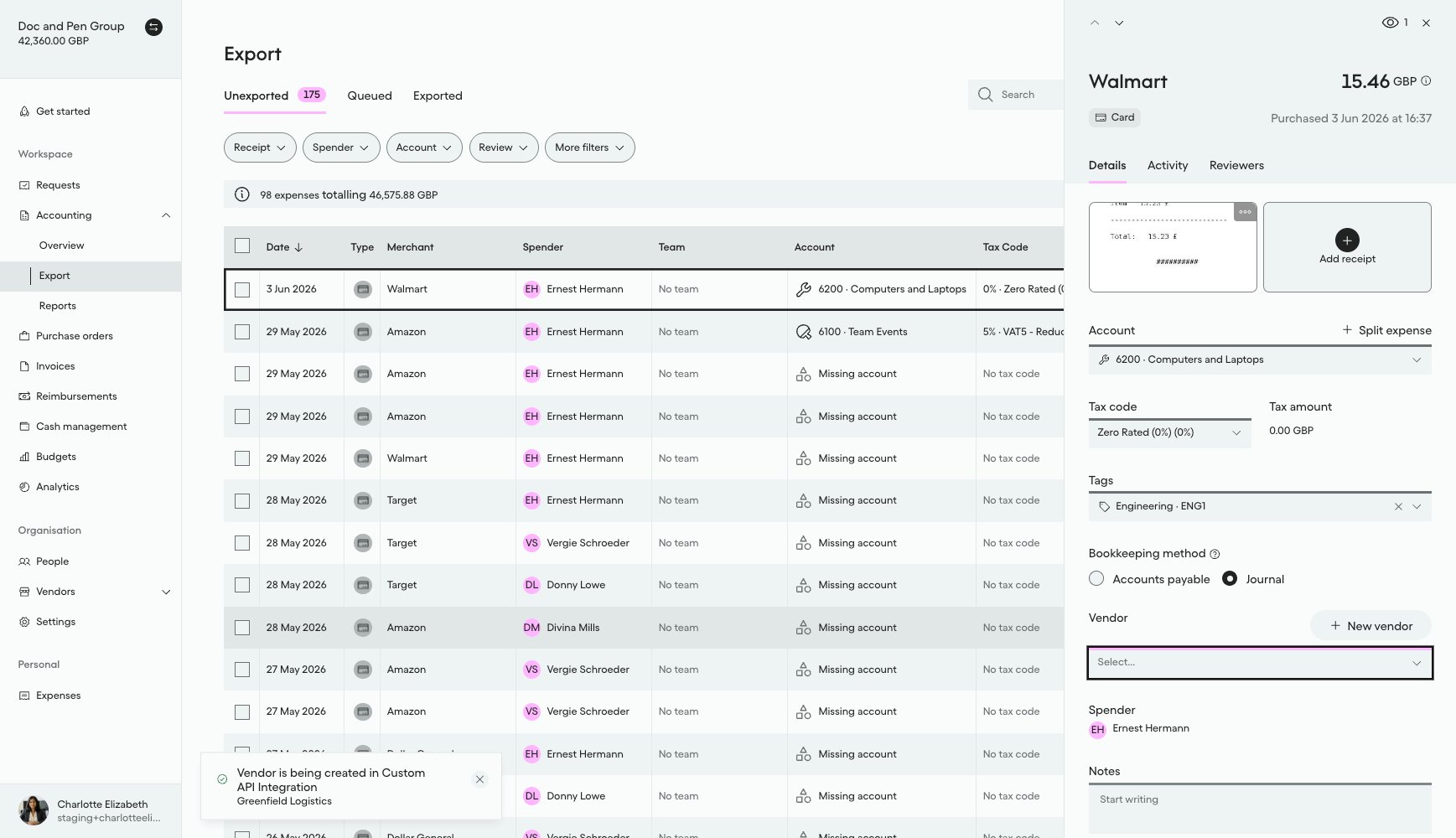
A notification confirms the vendor is being created in the Accounting System:
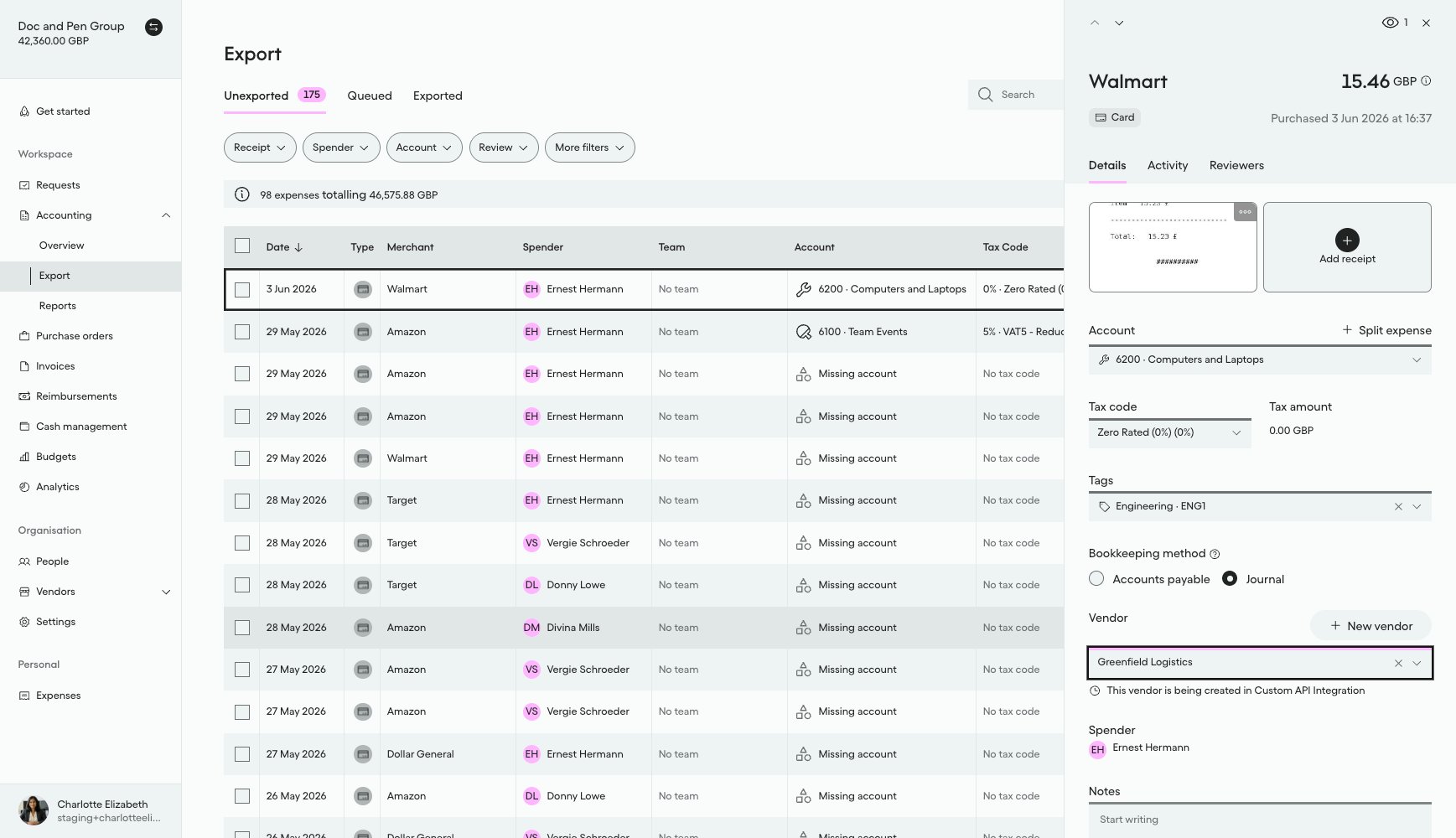
“Greenfield Logistics” is now selected on the expense, with a note below the Vendor field confirming the vendor is still being created:
Result
After this action:- A new Vendor exists in Pleo with
state: DRAFT - Its
name,country,defaultCurrency,registrationNumber, andtaxRegistrationNumberare set from what the bookkeeper entered - It has no
codeorexternalIdyet, those are assigned once your integration creates the record in the Accounting System and activates it - A
v1.vendor.createdwebhook event has been emitted for it
What Comes Next?
this how-to is part of: