

Prerequisites
- You have access to Staging or Production environments
- You understand that Standalone API Keys aren’t enabled by default and must be requested from your Customer Success Manager or Pleo Support
- You understand the permission and scope requirements for creating Standalone API Keys
- You understand OAuth 2.0 is the recommended method for multi-customer integrations
Steps
1. Create an API Key
- Log into your Pleo Web App for Staging or Production
- Click Settings from the main left-hand menu
- Scroll down and click API Keys
- Click Create API Key
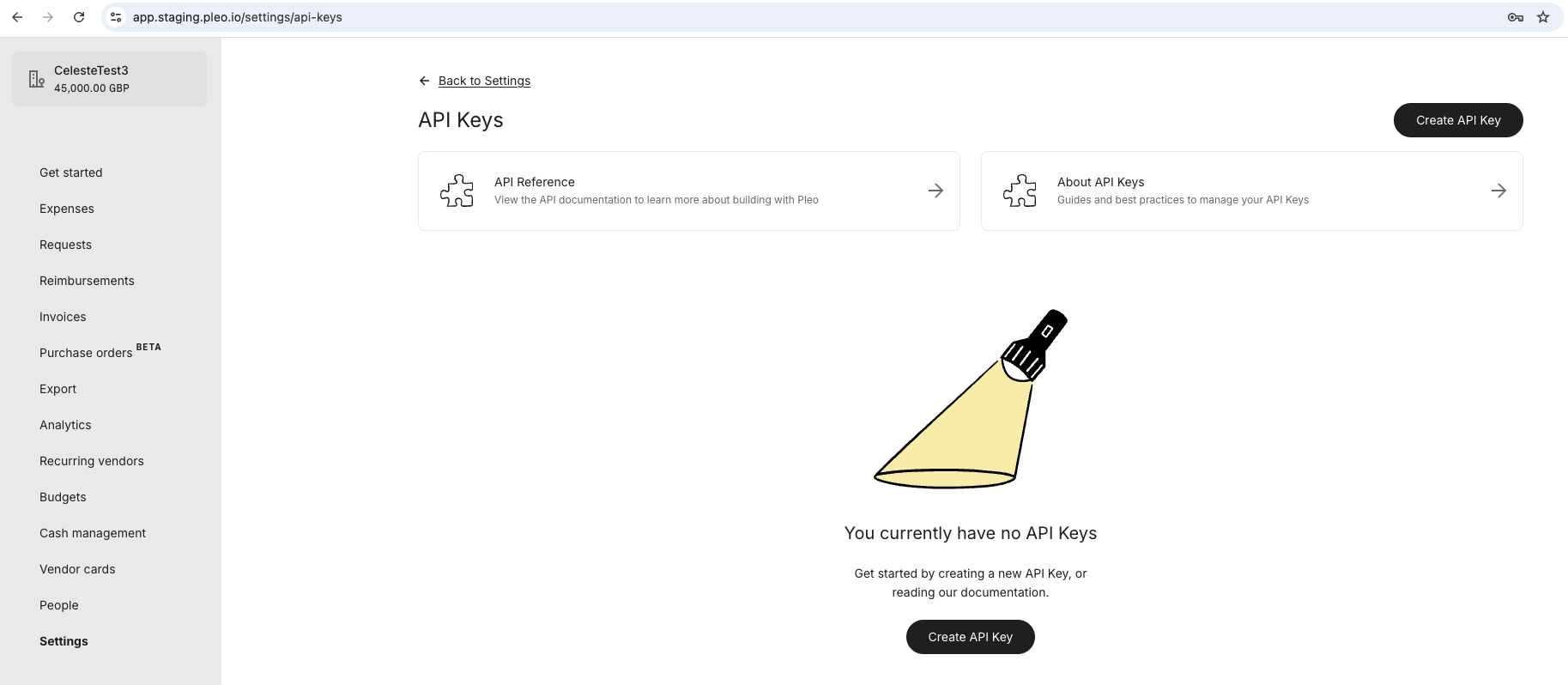
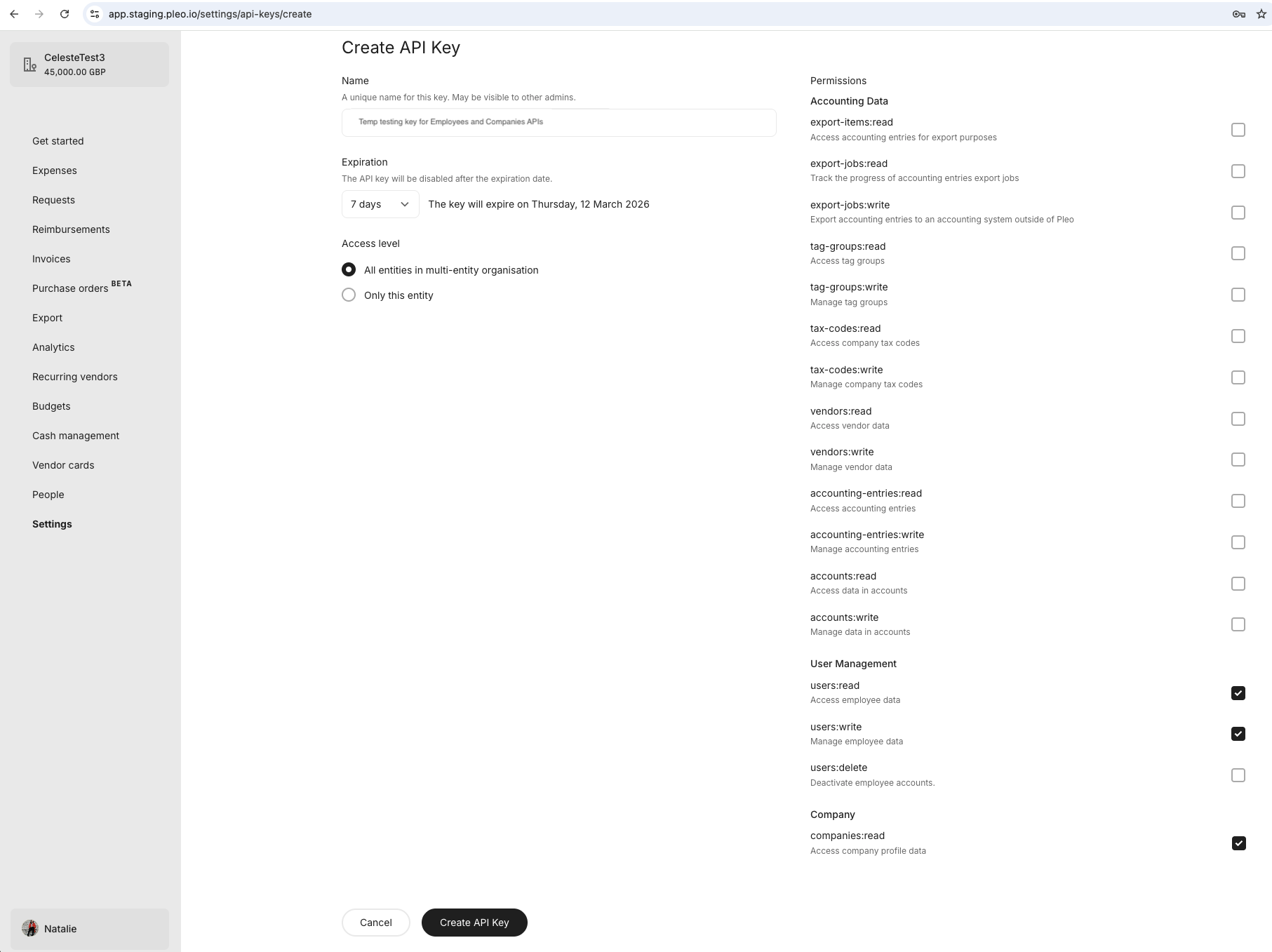
- Enter a descriptive Name
- Select an appropriate Expiration
- Select the entity Access level the key should access
- Tick the Permissions (API Scopes) that should apply to the key
- Click Create API Key
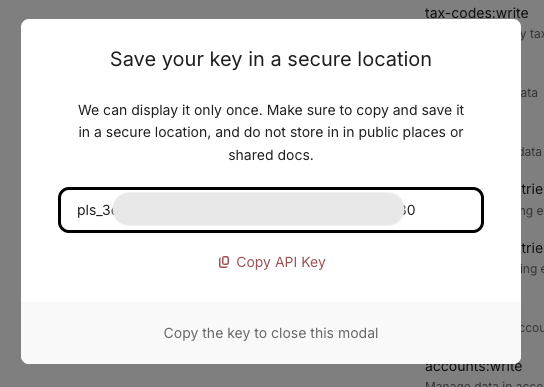
2. Securely Store Your API Key
- Copy the API Key to your clipboard
- Store the API Key securely
Result
- You have generated an API Key with the correct configuration and API scope
- You have securely stored your API Key
What Comes Next?
this how-to is part of:
Related Reading
- OAuth 2.0 Setup Workflow Guide: Step-by-step instructions on how to configure OAuth 2.0 for multi-customer integrations.